PRODUCT PORTFOLIO MANAGEMENT SOFTWARE
Monitor and manage your product portfolio
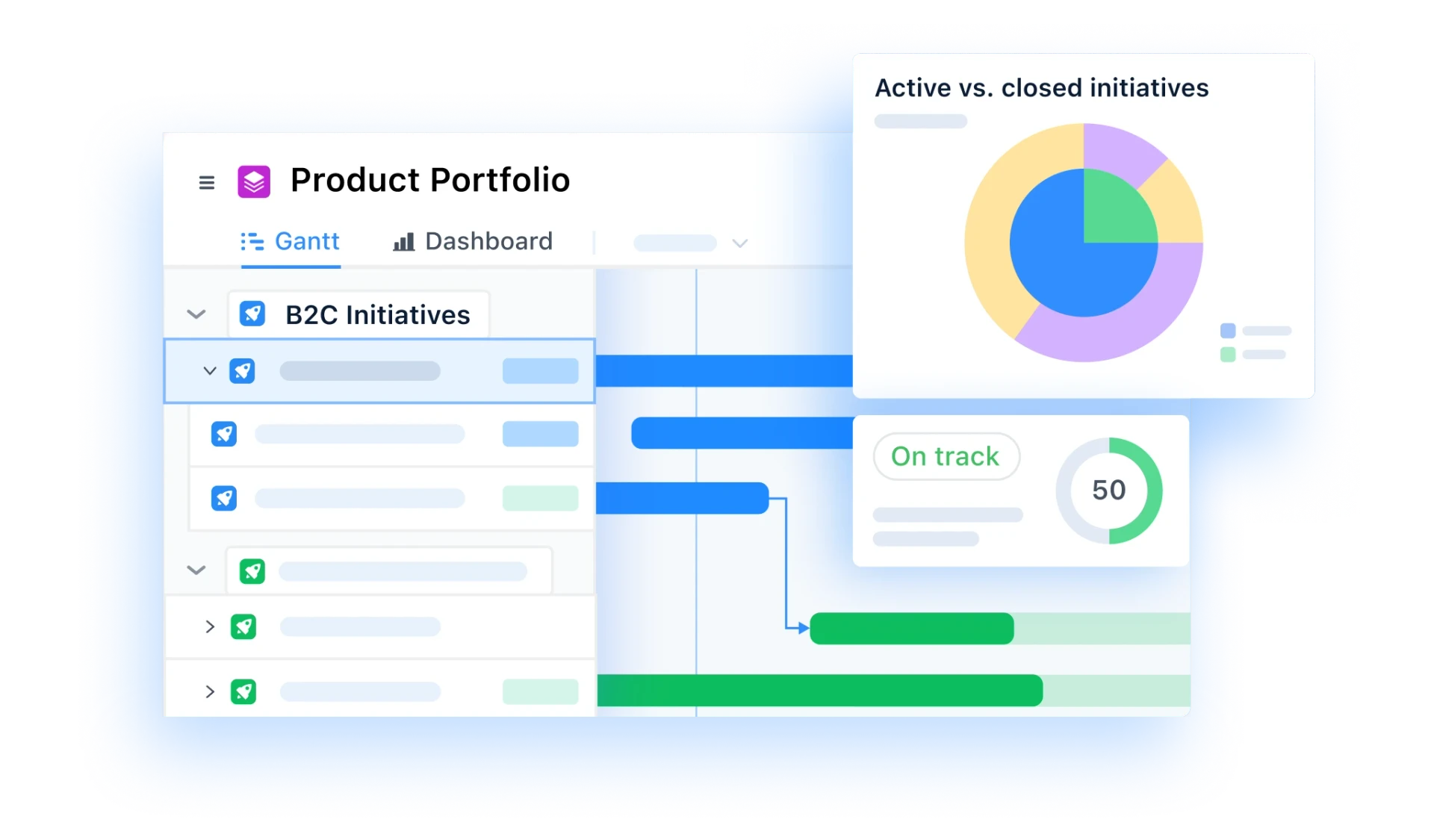
Bring product work from across teams, product lines, and business units into flexible, real-time portfolio views and dashboards. Product portfolio management software that gives a bird's-eye view of priorities, progress, risks, and dependencies - so leaders can quickly and confidently monitor performance, and plan what comes next.
Book a demo
Trusted by leading product teams





Get clarity and confidence with a bird's eye view
Get a single, portfolio-level view of all product work across initiatives, teams, and time horizons. See what's on track, what's blocked - the big picture, to decision-critical detail.
View product work at every level
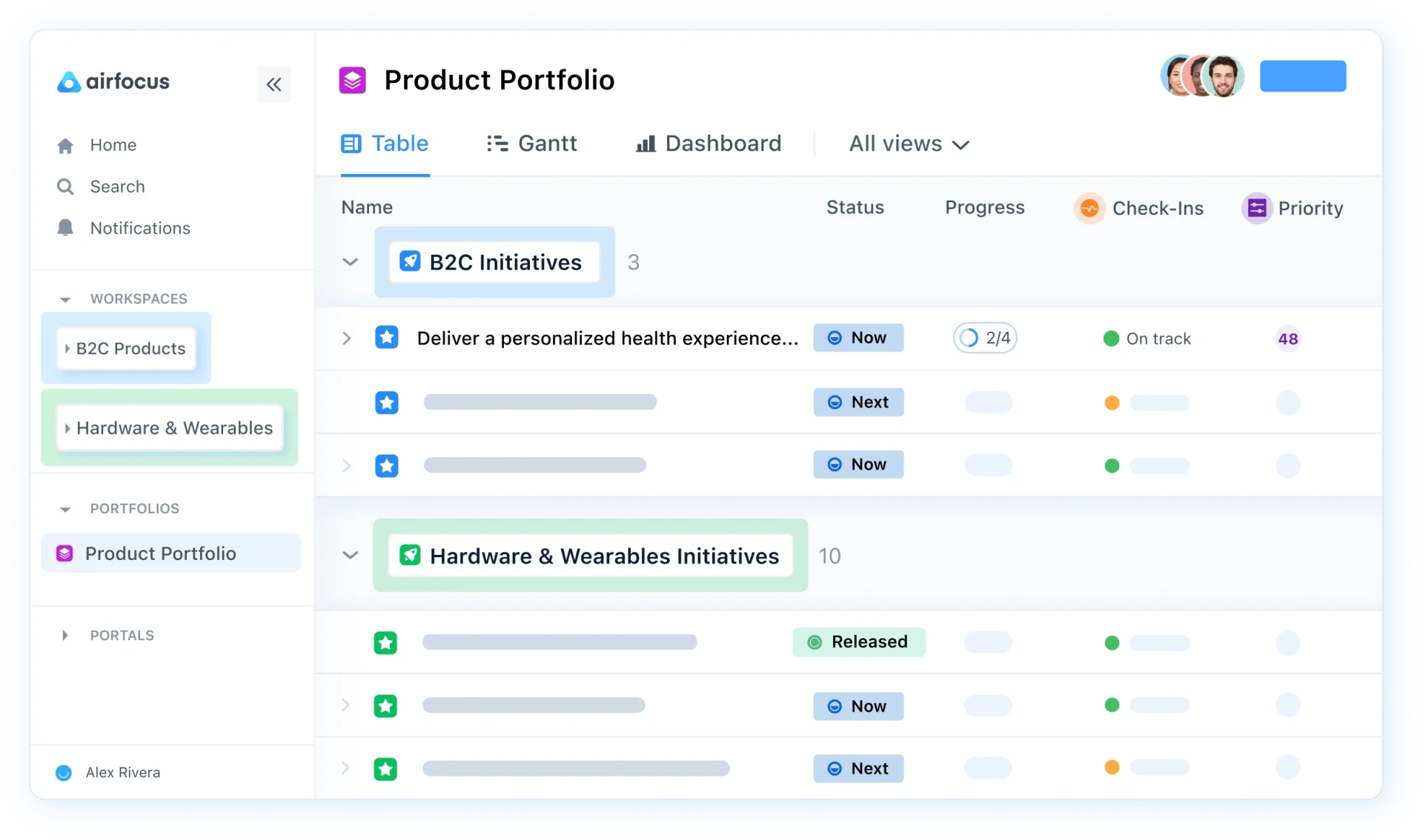
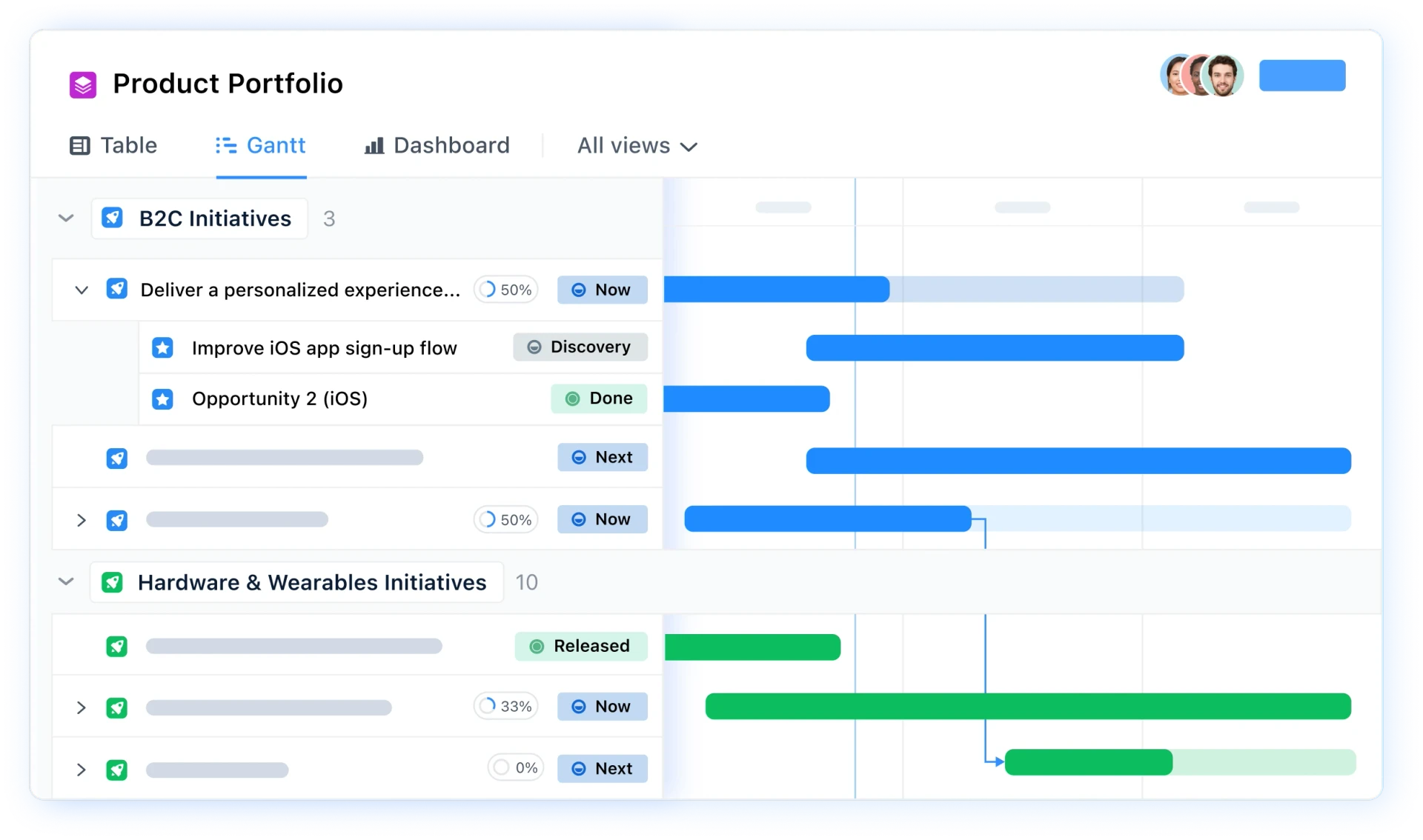
Understand exactly how strategic initiatives break down into real, everyday work. Explore hierarchical relationships across your product org and drill into team-level execution when needed to guide sequencing, capacity, and investment decisions.
Act on real-time portfolio data with Dashboard views
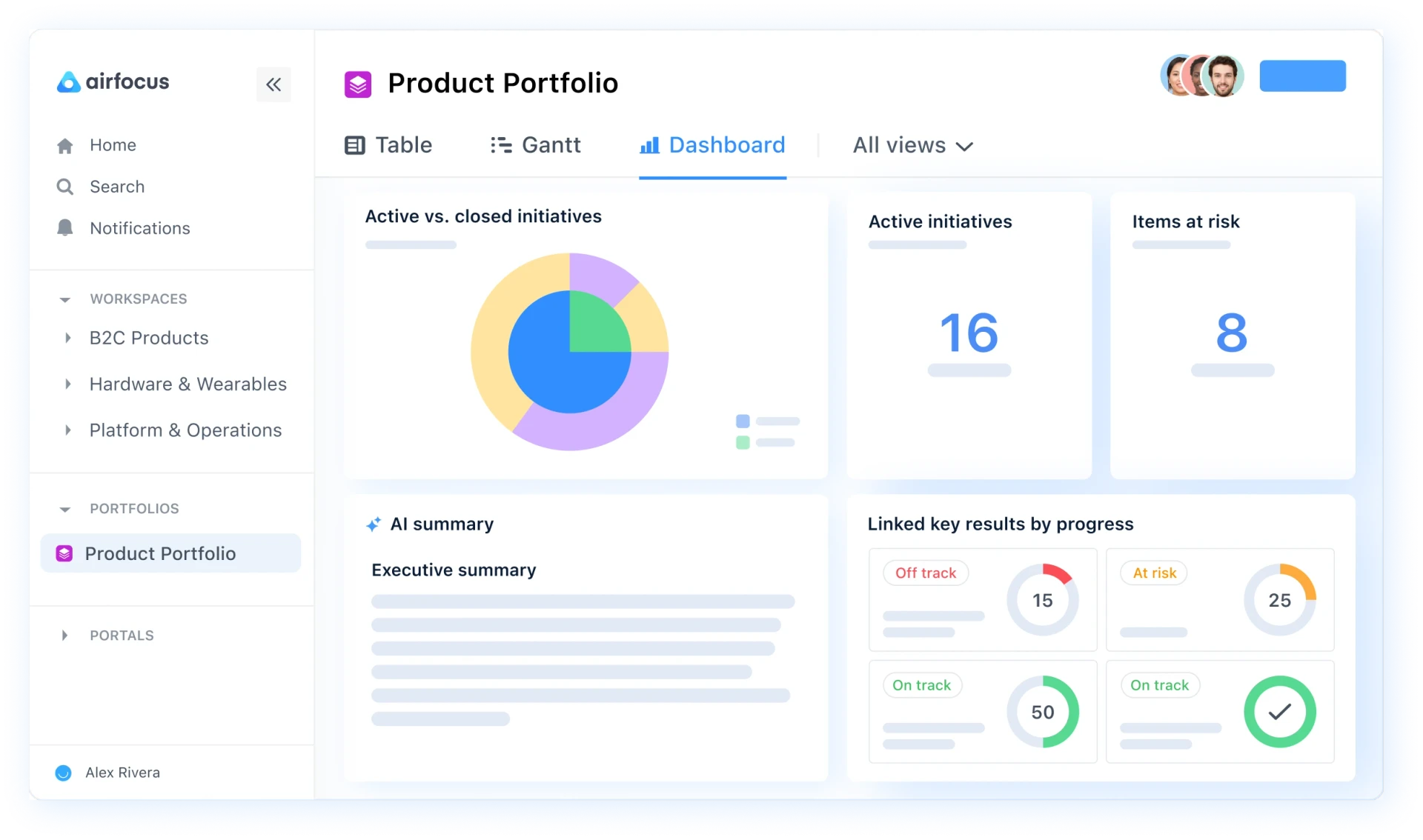
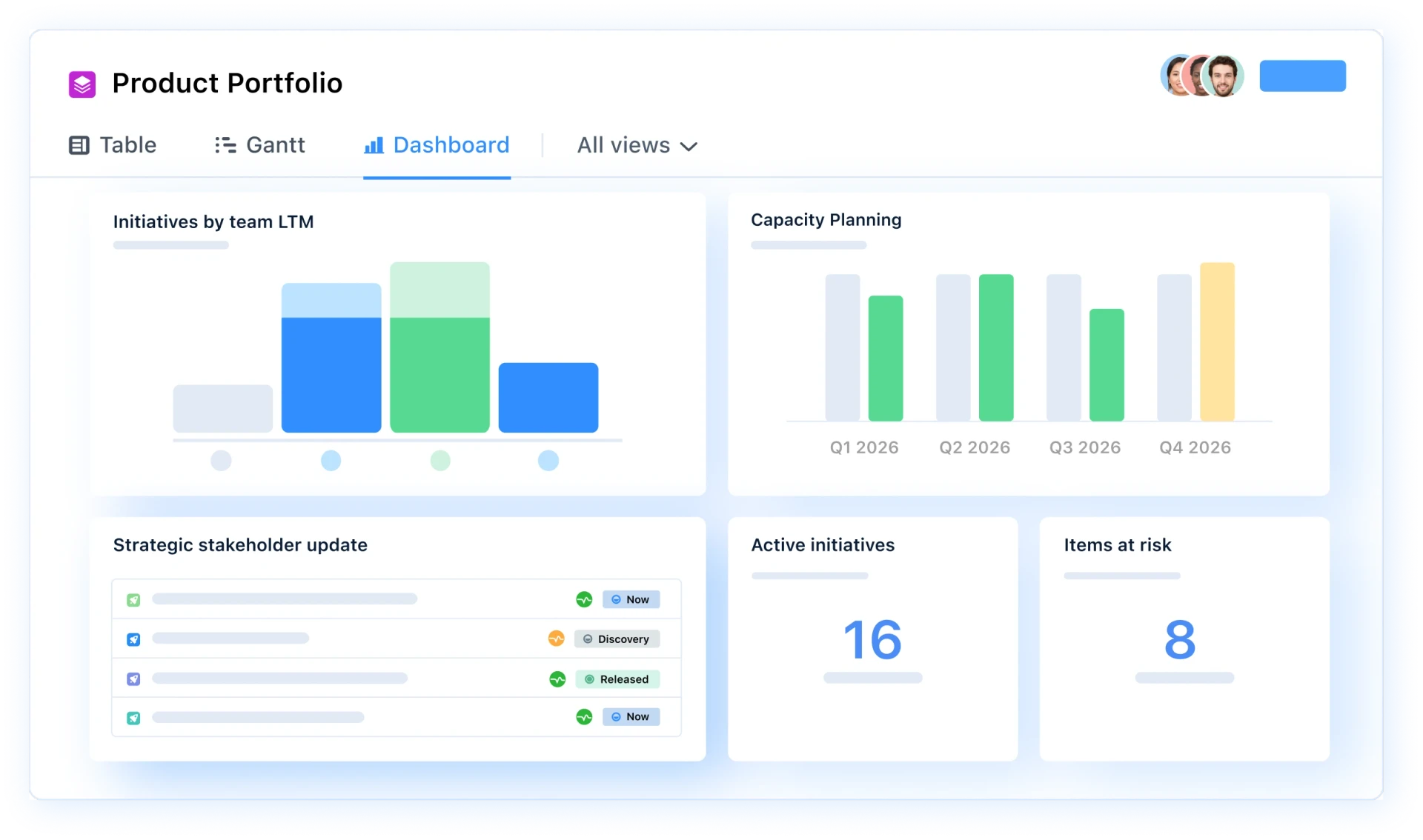
Stop jumping between disconnected views or waiting on manual updates. Portfolio dashboards are powered by live data from across your product organization - ready when you need it, for ongoing reporting and monitoring.
How product Portfolio management with airfocus supports leaders
In large product organizations, work is spread across business units, product lines, and teams - making it hard for leaders to see how the overall portfolio is performing. airfocus brings it all together with flexible portfolio views and real-time dashboards that connect directly to your existing workspaces, so you can spot issues, track momentum and drill into execution whenever you need to. Strategic alignment becomes fast, connected, and informed.
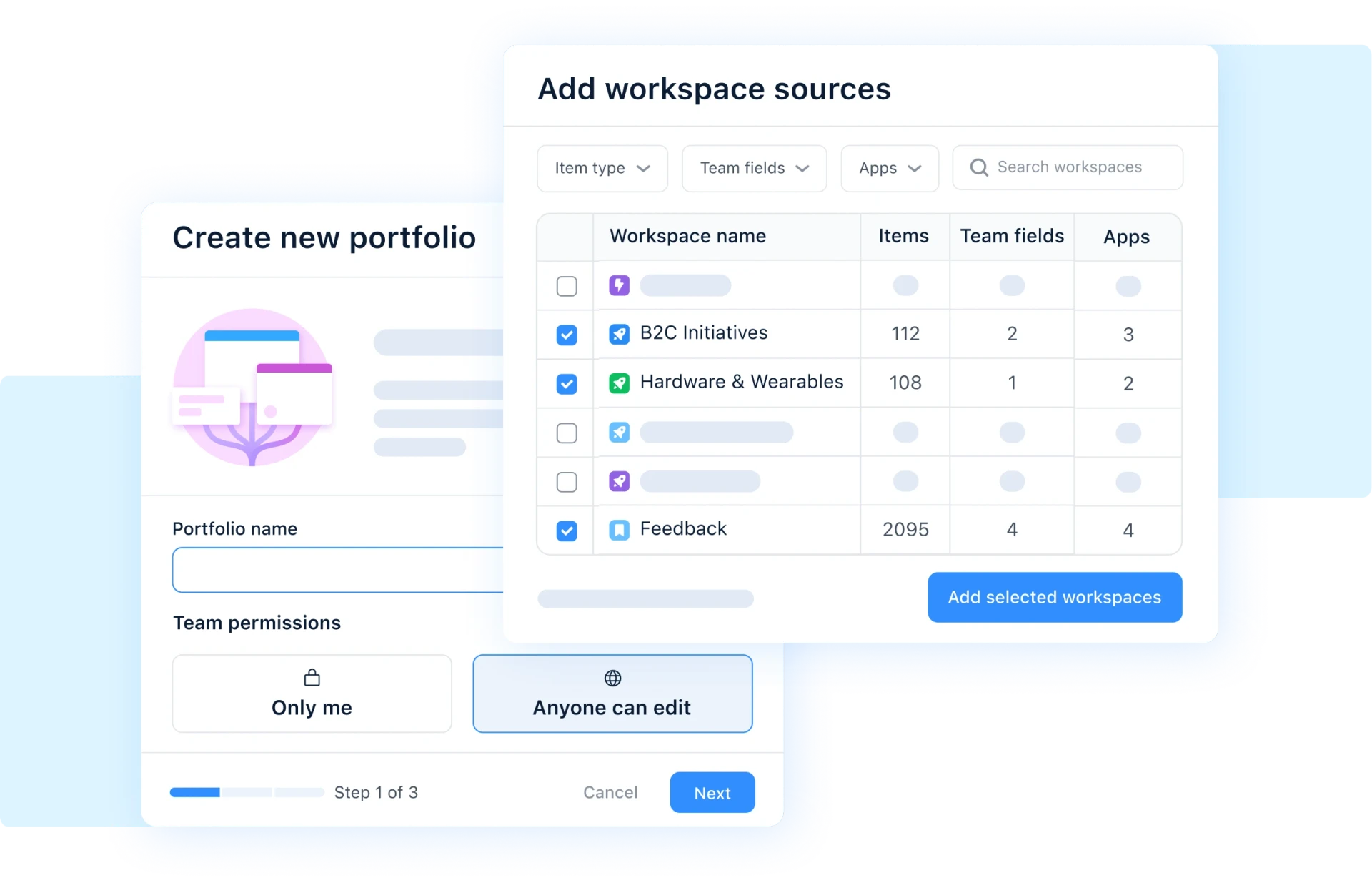
Set up a Portfolio in seconds
Build a product portfolio effortlessly by selecting the segments that you want insight into. Items from your chosen areas pull through automatically, along with team structures, key fields, and progress indicators - saving you hours of manual setup.
Powerful Dashboard views
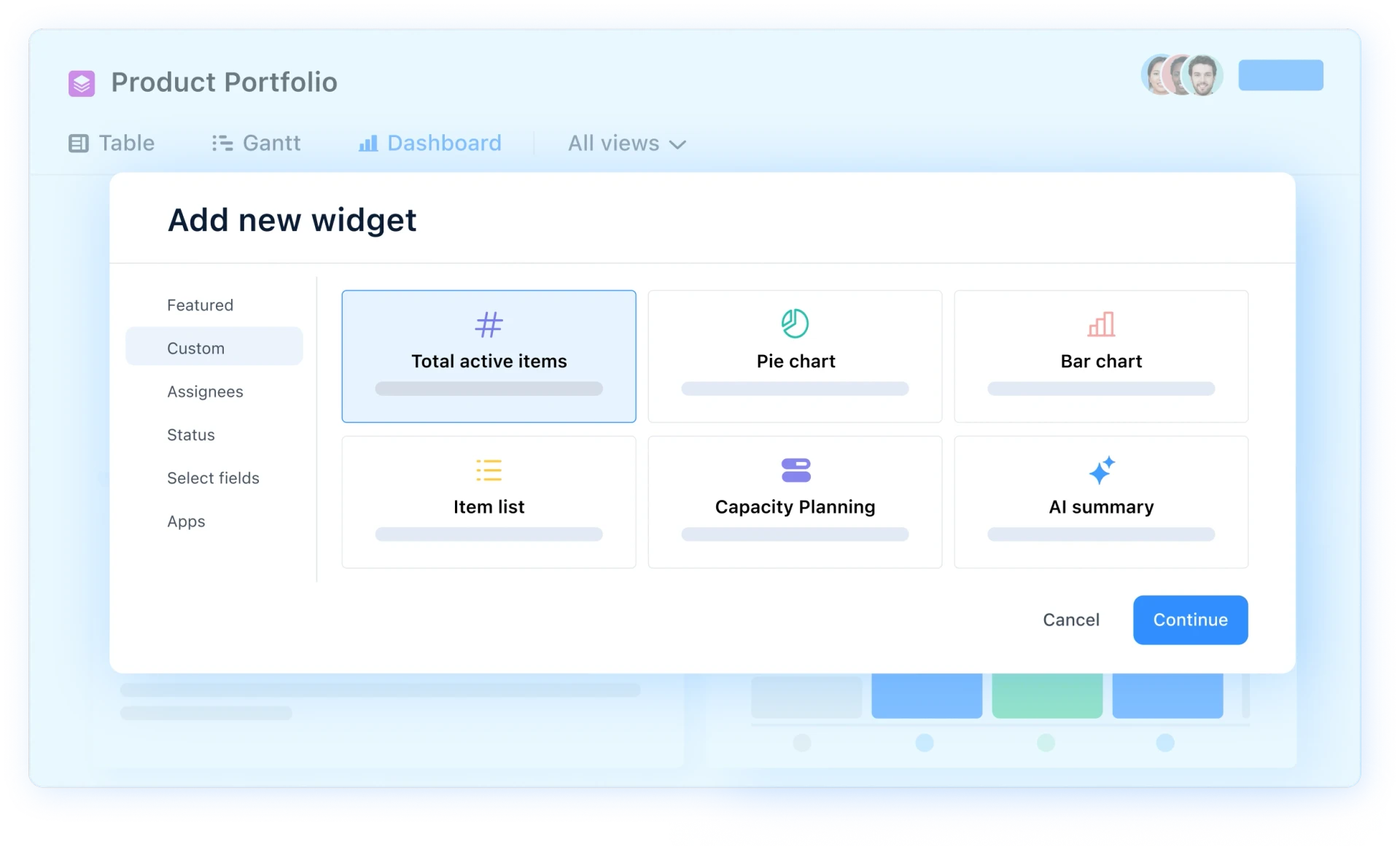
The Dashboard view gives an instant snapshot into what's moving, what's stuck, and where trends are heading. Gain quick visibility into everything that matters, including initiative progress, health checks, budget, and development effort.
A view for every need
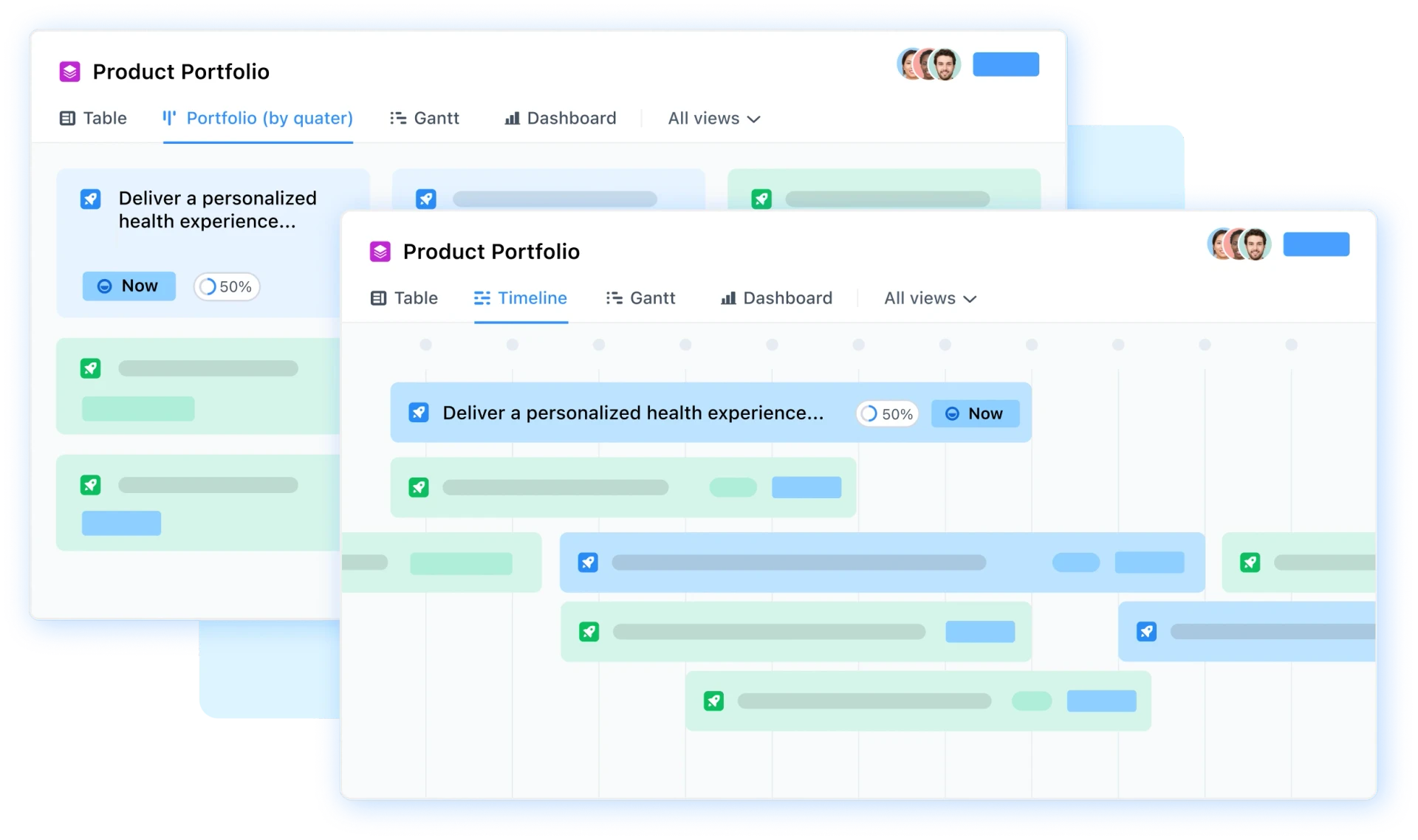
Slice portfolio data from different perspectives to compare initiatives and understand trade-offs. Dive into timelines and dependencies to easily identify progress and risks and ensure that day-to-day execution directly reflects your strategic priorities.
Plan and manage your portfolio with confidence
Connect the dots between high-level strategy and team-level execution and see how Portfolio management brings clarity and confidence to your busy product team landscape.
Explore how airfocus can support your team

With airfocus, we built a unified setup for 32 products and over 300 services in just 12 months (instead of 2-3 years). The power of the tool helped us navigate this complex transformation by providing constant clarity around our product vision & strategy.

Craig Unsworth
CPO - Papirfly

airfocus stood out for its robust EU-based hosting. Its flexibility has allowed us to streamline our product management across multiple teams, ensuring our data stays protected while adapting to our unique requirements.

Oliver Mitchell
Product Ops Manager - Oodrive


Nathan Thomas
Head of Product - Ricoh Europe
With airfocus, we built a unified setup for 32 products and over 300 services in just 12 months (instead of 2-3 years). The power of the tool helped us navigate this complex transformation by providing constant clarity around our product vision & strategy.
Craig Unsworth
CPO - Papirfly
airfocus stood out for its robust EU-based hosting. Its flexibility has allowed us to streamline our product management across multiple teams, ensuring our data stays protected while adapting to our unique requirements.
Oliver Mitchell
Product Ops Manager - Oodrive
Nathan Thomas
Head of Product - Ricoh Europe
With airfocus, we built a unified setup for 32 products and over 300 services in just 12 months (instead of 2-3 years). The power of the tool helped us navigate this complex transformation by providing constant clarity around our product vision & strategy.
Craig Unsworth
CPO - Papirfly
FAQs
What size product team is Portfolio management available for?
Portfolio management is designed for larger product organizations where work is spread across multiple business units, product lines, and teams. It's built for the kind of scale where leaders need a bird's-eye view across many workspaces, but there's no minimum team size requirement to use it.
Is Portfolio management available to all airfocus customers?
No. Portfolios are available to customers on an airfocus Enterprise plan.
How real-time is the data?
Fully real-time. Portfolios pull live data directly from your connected source workspaces, so any update made in the original workspace is reflected in the portfolio instantly. There are no manual syncs or scheduled refreshes, what you see is always current.
Does it work with our existing fields and apps?
Yes. Portfolios integrate seamlessly with your existing team fields and apps. When you connect source workspaces, their fields and apps carry through automatically. If a team field or app field exists in any connected workspace, it becomes available across the entire portfolio.
Can leaders drill down into execution without losing context?
Yes. You can explore hierarchical relationships across your product org and drill from portfolio-level views into team-level execution – viewing individual workspaces, items, timelines, and dependencies – all without leaving the portfolio. The context of where work sits in the broader portfolio is maintained throughout.
Is this a separate workspace or a roll-up?
It's neither a traditional workspace nor a static roll-up. A Portfolio is its own entity that displays live items from one or more connected source workspaces. It behaves similarly to a regular airfocus workspace – with views, filters, groups, sorting, and sharing – but it doesn't own its own items. It's a live, two-way connection: you can edit items directly in the Portfolio and changes sync back to the source instantly.
Can we separate by business unit, product line, or team?
Yes. When setting up a Portfolio, you choose which workspaces to include, so you can organize by business unit, product line, team, or any other structure you use. You can also apply global filters or per-view filters to slice the data further and focus on exactly the segment you need.
How do I set up a Portfolio?
Getting started takes seconds. Click the plus icon next to "Portfolios" in the left navigation, name your Portfolio, select the source workspaces you want to include, and optionally apply a global filter to refine which items appear. Fields, hierarchies, and progress indicators pull through automatically, no manual configuration needed.
Can I edit items directly from the Portfolio?
Yes. Portfolios offer a live, two-way connection with source workspaces. You can update items directly within the Portfolio and all changes sync back to the source instantly, no need to switch between workspaces to make edits.
What views are available in a Portfolio?
Portfolios support the same view types as regular airfocus workspaces, including table, Gantt, and dashboard views. You can also create multiple views with different filters, groupings, and display settings to slice portfolio data from different angles – for example, comparing initiatives by timeline, tracking dependencies, or monitoring health and budget at a glance.
What can I see in a portfolio dashboard?
The Dashboard view gives you a modular, widget-based snapshot of your portfolio. You can use preset widgets – like items by status, total active items, or team workload – or build custom widgets using bar charts, pie charts, single numbers, and item lists. Dashboards are fully customizable: you can resize, rearrange, and filter widgets to surface exactly the metrics that matter for your leadership reviews.
Sync with the tools you love and save time
Integrate with existing product workflows and push prioritized features to tools such as Jira, Azure DevOps, Trello, Shortcut, and so much more.
Discover all integrations





Discover airfocus product management templates
Customizable templates for all of your product management needs.
Discover all templates


"With airfocus, we built a unified setup for 32 products and over 300 services in just 12 months (instead of 2-3 years). The power of the tool helped us navigate this complex transformation by providing constant clarity around our product vision & strategy."
Craig Unsworth
CPO - Papirfly
Discover more airfocus features






Experience the new way of doing product management